Start with the records your team already uses.
Guests, rooms, reservations, guest requests, housekeeping tasks, vendors, and facility maintenance.
GuestsRoomsReservationsGuest RequestsHousekeeping TasksVendors
Bring guest profiles, reservations, room status and requests into one workspace. Keep front desk and housekeeping connected, from check-in to the next visit.
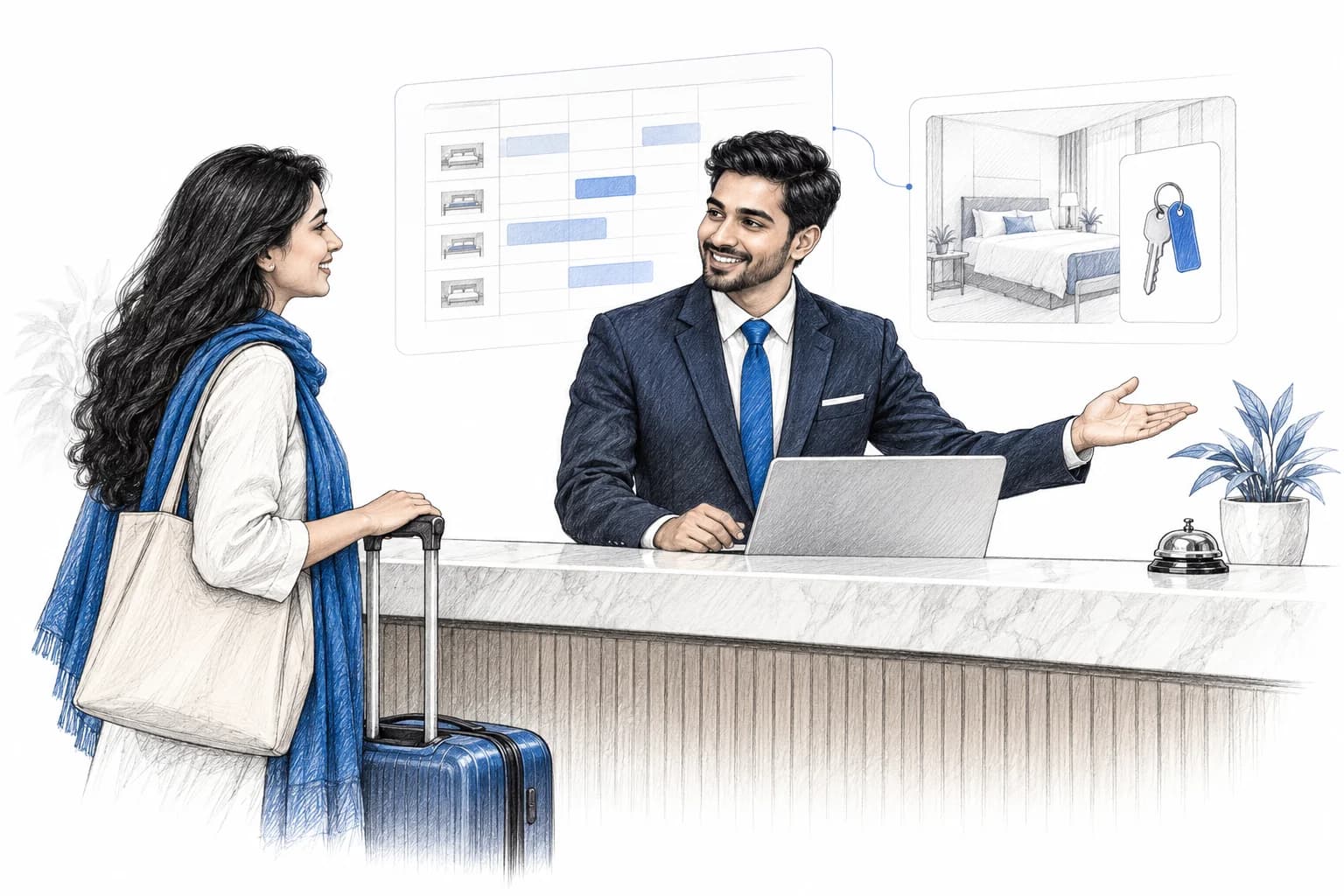
Guests, rooms, reservations, guest requests, housekeeping tasks, vendors, and facility maintenance.
Give front desk, housekeeping, reservations, and management one live view of every guest workflow.
Bizrow connects module builder, role permissions, WhatsApp and email automation, service plans, files, analytics, and payments around the category you choose during onboarding.
Bring enquiries from forms, ads, calls, walk-ins, and imports into one queue.
Use custom modules, relations, files, notes, filters, and dashboards to structure work.
Trigger WhatsApp/email reminders, follow-up schedules, payment updates, and task flows.
Assign role-based access so every department sees and edits the right records.
Explore guides and articles for your industry.
New hospitality articles will appear here when published. Explore all CRM guides
Practical answers before you choose your workspace.
Explore pricingOrganise guest enquiries, bookings and service operations in configured modules. Adapt fields and stages for your property's guest and facility workflows.
Yes. Configure the modules, fields, relationships and stage options your team needs. We can discuss your existing process and data during a demo.
Yes. Your administrator can configure role and user permissions for module access. Review the permissions needed by each team before inviting users.
Messaging requires the relevant integration, approved templates where applicable, and configured automation workflows. Adding a record does not by itself enable messaging.
Compare current plans on the pricing page, or use the form below to request a walkthrough and discuss a suitable setup for your team.
Tell us about your business and the way your team works. We'll walk you through a CRM setup for your industry.