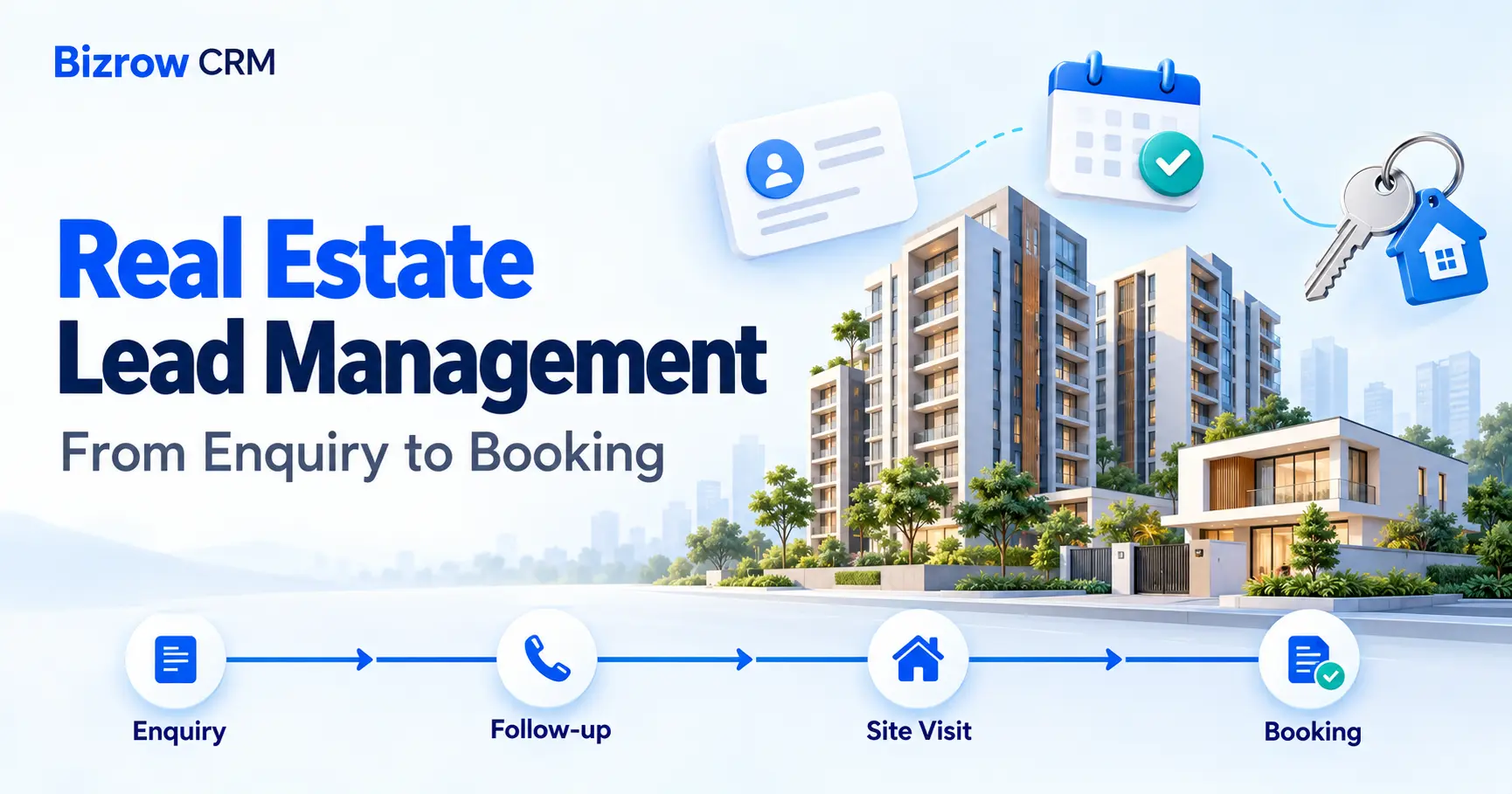
How to Manage Real Estate Leads: From Enquiry to Booking
Learn how to manage real estate leads from the first enquiry to booking. This practical guide explains how to capture buyer requirements, assign leads, organize follow-ups, schedule site visits and track outcomes—helping your team keep records connected and next actions clear.
A property enquiry is only the beginning of a sale. A buyer may ask about a price today, request a brochure tomorrow, and arrange a site visit next week.
When those conversations are scattered across phone calls, messages, and spreadsheets, it becomes harder to remember what the buyer needs and what your team promised to do next.
Real estate lead management gives each enquiry a clear record, a responsible salesperson, and a next action. This guide explains how to move from the first conversation to a booking, with examples of how to organise the process in Bizrow CRM.
What Is Real Estate Lead Management?
Real estate lead management is the process of collecting buyer enquiries, understanding their requirements, following up, arranging property visits, and tracking their progress towards a booking.
A lead is someone who has expressed interest in a property or your services. That person may be ready to buy, comparing options, or simply gathering information.
Your job is to understand where they are in that journey and help them take an appropriate next step.
A practical lead journey might look like this:
New → Contacted → Qualified → Site Visit → Negotiation → Booked
Some buyers will pause their search or choose another property. Record those outcomes too, rather than keeping every enquiry active indefinitely.
In Bizrow’s real estate setup, Property Leads stores buyer information, Properties stores inventory details, and Site Visits connects a buyer with a property and a visit date. Bookings records the next stage when the buyer proceeds.
Step 1: Capture the Enquiry
Create a lead record when a new enquiry arrives. Whether it comes from a phone call, referral, website, property portal, or walk-in, the information should reach one shared workspace.
Start with:
- Buyer’s name.
- Phone number and email, if provided.
- Property or project they asked about.
- Preferred location.
- Approximate budget.
- Enquiry source.
- Date of the enquiry.
Before creating another record, check whether the same person already exists. A buyer may enquire through more than one channel.
In Bizrow, use Property Leads to record the buyer’s contact details, budget, preferred location, and lead stage. If your workspace needs additional information, configure suitable fields for it.
Example: Priya asks about a two-bedroom apartment near her workplace, with a budget of ₹65–75 lakh. Record those details instead of leaving the enquiry as “interested in apartment.”
For a new enquiry, the first action is straightforward: acknowledge the request and agree on a suitable time to discuss the requirement.
Step 2: Understand the Buyer’s Requirements
Before sending a list of properties, learn what would make a property suitable for that buyer.
Useful questions include:
- Are you buying for your own use or as an investment?
- Which locations are you considering?
- What is your comfortable budget range?
- Are you looking for an apartment, villa, plot, or commercial property?
- What size or configuration do you need?
- When would you like to purchase or move?
- What matters most: location, space, possession timeline, or something else?
- Will anyone else be involved in the decision?
Ask these questions as part of a conversation. Explain why a detail matters instead of making the buyer feel they are completing an interrogation.
Record the important answers in suitable fields or notes available in your workspace.
Example: Priya’s main requirement is a manageable commute. She prefers a ready-to-move apartment and wants to decide within three months. That information helps the team avoid suggesting properties that do not fit her situation.
Move the lead to Qualified when your team has enough information to understand the requirement and identify a realistic next step.
Step 3: Assign an Owner and Plan Follow-Ups
Give each active lead one responsible salesperson. Other team members can assist, but someone should be accountable for the next conversation.
After each interaction, record:
- What the buyer asked.
- What information you provided.
- What remains unresolved.
- What you will do next.
- When the next follow-up should happen.
In Bizrow, keep the lead stage and Next Follow Up date current. Use your workspace’s assignment process to make responsibility clear.
Avoid vague actions such as “follow up later.”
A useful next action is:
“Call Priya on Thursday afternoon to discuss the two shortlisted apartments and confirm whether she wants a Saturday visit.”
Agree on a follow-up time and preferred contact channel with the buyer. If they ask you to pause contact, respect that request and update the record.
A follow-up should help move the conversation forward—for example, by answering a question, sharing a requested document, or confirming a visit.
Step 4: Shortlist Properties and Arrange a Site Visit
Use the buyer’s requirements to choose a manageable shortlist. Explain why each option is relevant.
For each property, check:
- Location.
- Property type and size.
- Current price.
- Availability.
- Possession or readiness information, where relevant.
- Brochure and other supporting material.
Bizrow’s Properties module can hold details such as property type, location, area, price, availability, and brochure.
Check the latest availability before offering a property or arranging a visit.
Once the buyer chooses an option, create a Site Visit record linked to the lead and the property. Record the visit date and status.
Confirm the meeting time, location, contact person, and any access instructions with the buyer.
Example: Priya chooses to view Apartment B-204 on Saturday morning. The Site Visit record connects her lead to that apartment so the team can see exactly what is scheduled.
If the appointment changes, update the existing visit to Rescheduled or Cancelled as appropriate.
Step 5: Record the Outcome and Next Action
A completed visit does not tell you whether the buyer wants to proceed. Record their feedback while the discussion is still fresh.
Useful feedback might include:
- What they liked.
- What did not meet their expectations.
- Questions about price or additional charges.
- Requests for documents or clarification.
- Whether they want another visit.
- Their agreed next step.
In Bizrow’s Site Visits module, use Feedback and Next Action to capture the outcome.
Example: “Priya liked the location and layout but wants a clear breakdown of the total cost. Send the confirmed cost sheet and arrange a call on Monday.”
That note gives the next salesperson enough context to continue the conversation.
Update the lead stage when the buyer’s position changes. A completed visit may lead to another shortlist, a negotiation, or a decision to pause.
Keep the buyer’s stage separate from the property’s availability. A lead entering Negotiation does not automatically mean the property is reserved.
Step 6: Manage the Booking When the Buyer Is Ready
When the buyer decides to proceed, confirm the property, agreed terms, and required next steps before recording the booking.
In Bizrow’s Bookings module, link the customer and property, then record the booking date, booking amount, applicable stage, and supporting documents.
Check that:
- The correct property is linked.
- The amount recorded matches the confirmed transaction.
- Supporting documents are attached where required.
- The property’s availability is updated appropriately.
- The lead stage reflects the booking.
- Responsibility for the next step is clear.
A booking is the start of another workflow. Agreement, registration, payments, and handover may still need attention.
Where configured, use Documents and Payment Milestones to organise supporting files, due dates, amounts, and payment statuses.
Recording a booking amount alone should not be treated as proof that a payment has been received. Keep the appropriate receipt or payment confirmation with the transaction records.
Common Lead Management Mistakes
Keeping enquiries only in personal messages
Other team members may struggle to continue the conversation. Record important requirements, outcomes, and commitments in the CRM.
Sending properties before understanding the buyer
An unsuitable shortlist creates extra work for everyone. Clarify the budget, location, property type, and timeline first.
Leaving leads without a next action
An active lead should have a clear next step or a recorded reason for being on hold.
Using unclear notes
“Interested” does not explain what happened. Record what the buyer liked, what is unresolved, and what you agreed to do.
Confusing lead stage with property availability
The buyer’s progress and the property’s status answer different questions. Keep both accurate.
Following up without a purpose
Repeatedly asking “Any update?” provides little help. Follow up with the information or action the buyer actually needs.
Daily Checklist for Real Estate Sales Teams
At the start of the day:
- Review new and unassigned enquiries.
- Check today’s follow-ups and overdue actions.
- Confirm upcoming site visits.
- Review property availability before sharing options.
After conversations and visits:
- Update buyer requirements.
- Record the outcome.
- Set the next action and follow-up date.
- Update lead and visit statuses when necessary.
Before finishing the day:
- Check that active enquiries have a responsible owner.
- Review completed visits that still need feedback.
- Check booking records for missing information.
- Make sure promised brochures, cost sheets, and answers have been sent.
Frequently Asked Questions
What is the difference between a lead and a booking?
A lead is a potential buyer who has expressed interest. A booking records the buyer proceeding with a specific property under the applicable terms. A site visit or verbal expression of interest alone should not be recorded as a confirmed booking.
What information should I collect from a property lead?
Start with contact details, budget, preferred location, property type, and buying timeline. Add further information when it helps you recommend suitable options. Collect only what is relevant to the enquiry.
How often should I follow up with a real estate lead?
Agree on a suitable time with the buyer. The timing should reflect their purchase plans and the action you promised. A buyer waiting for a cost sheet needs a different follow-up from someone planning to purchase later.
What should I do if a buyer does not respond?
Review your previous conversation and send a relevant, concise follow-up. Give them time to reply. If they remain unresponsive, record that outcome and follow your team’s process for pausing the lead.
Can Bizrow CRM organise site visits and bookings?
Bizrow’s real estate setup includes Property Leads, Properties, Site Visits, and Bookings. These records help connect buyer requirements with properties, visits, and booking details. Available fields and workflows depend on your workspace configuration.
Can I start with a spreadsheet?
Yes. A spreadsheet can work for a small number of enquiries with a clear owner. As more people handle leads, visits, and bookings, a shared CRM can make records and responsibilities easier to manage.
Want to see this workflow in practice? Explore Bizrow’s real estate CRM to see how enquiries, properties, and site visits fit together.
Where to put images
For this first article, I recommend one cover image and three useful screenshots. This is an editorial recommendation, not an SEO requirement.